HTML CSS JavaScript for beginners is the starting point for anyone who wants to learn how websites are built. These three technologies work together to create the webpages we use every day.
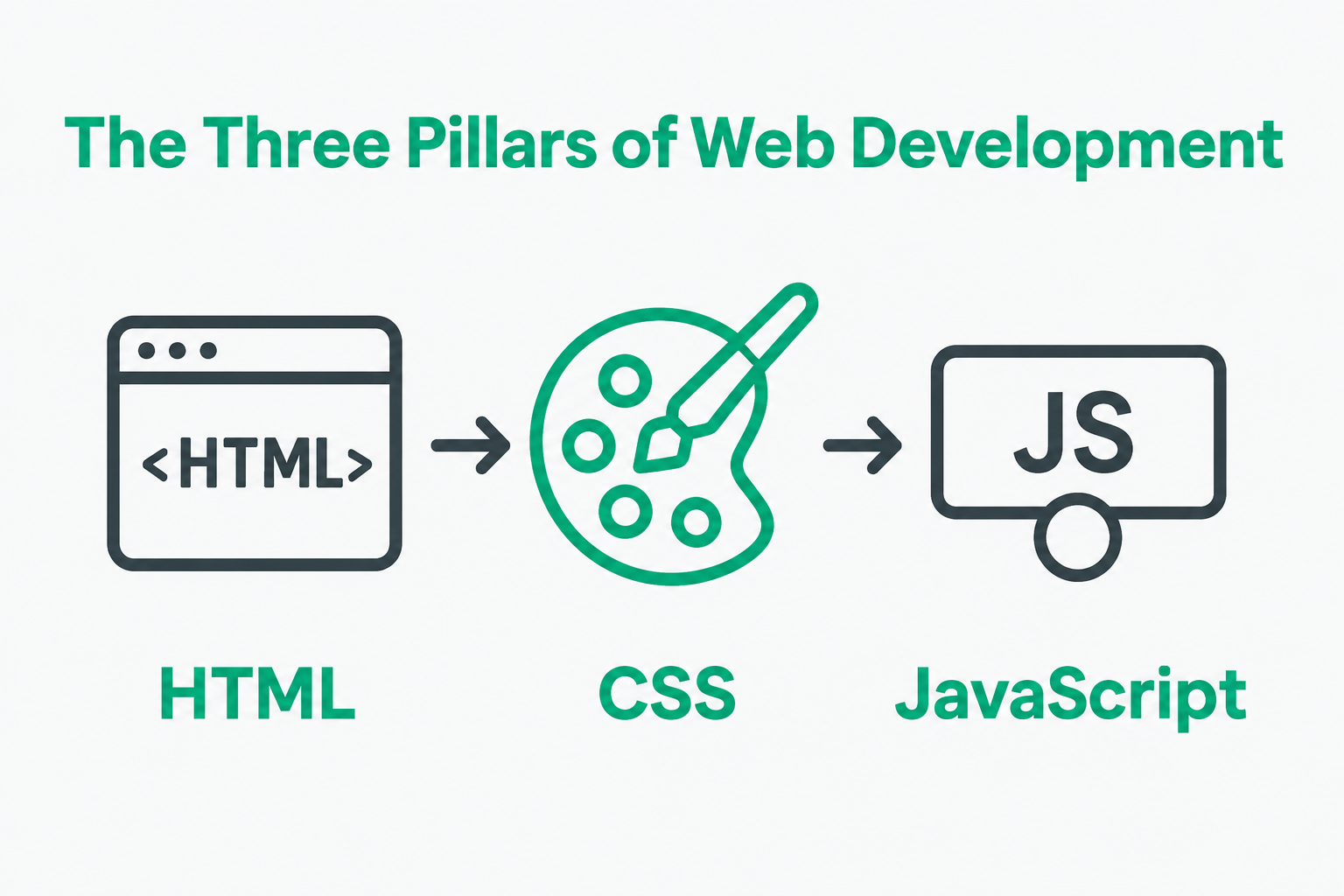
Have you ever wondered how a website displays text, changes colors, or responds when you click a button? The answer often involves HTML, CSS and JavaScript.
At first, learning web development may seem complicated. However, understanding these three technologies makes the process much easier.
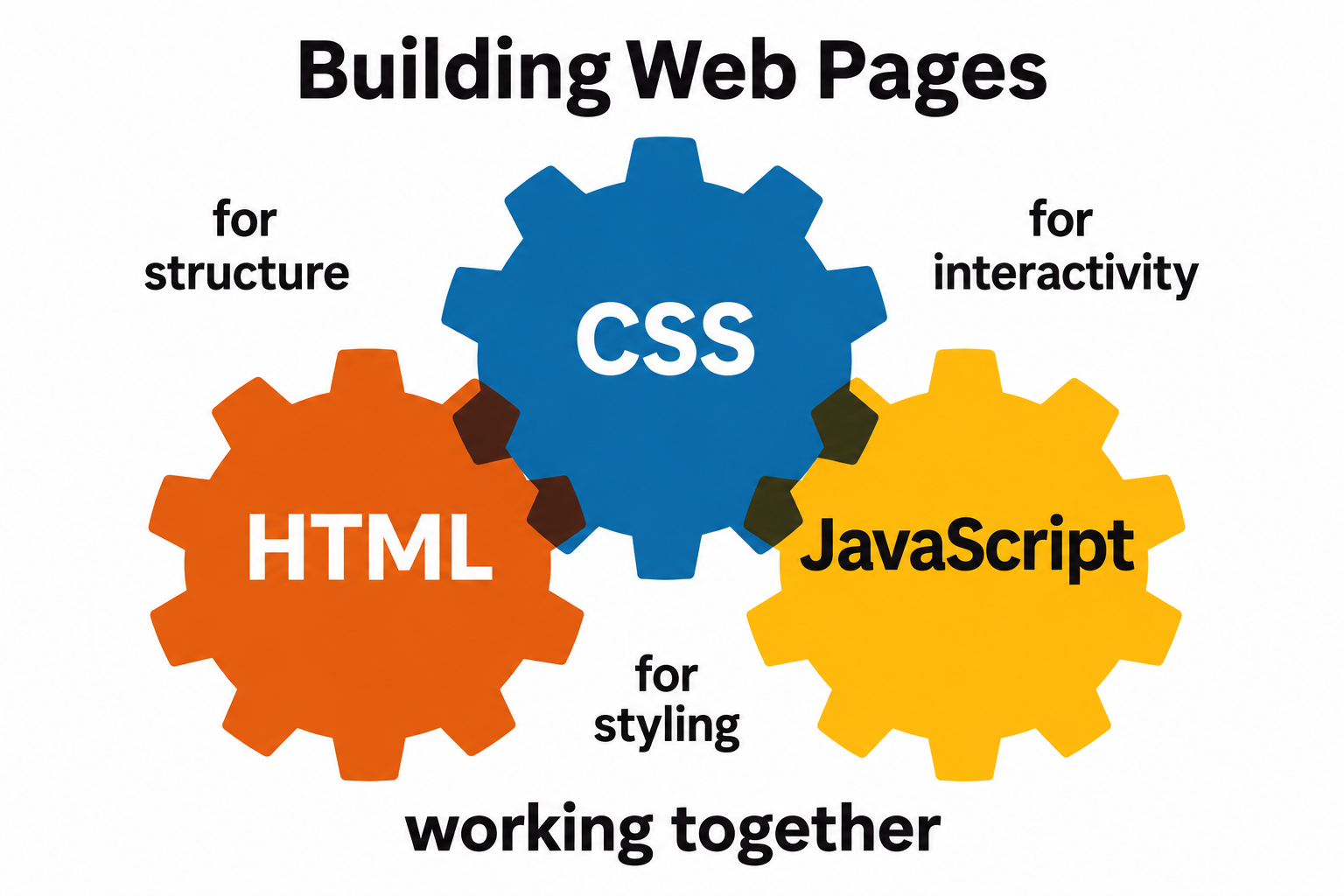
HTML creates the structure of a webpage. CSS controls how that page looks. Meanwhile, JavaScript adds interactive features.
In this beginner-friendly guide, you’ll learn the differences between HTML, CSS and JavaScript. You’ll also explore simple coding examples, practical uses, and the best order to learn these skills.
Whether you’re a student or an aspiring developer, this guide will help you take your first step into web development.
What Are HTML, CSS and JavaScript?
HTML, CSS and JavaScript are the three core technologies used in front-end web development.
Together, they help developers create structured, attractive and interactive websites.
HTML: The Structure of a Website
HTML stands for HyperText Markup Language.
It defines the content and structure of a webpage. For example, HTML tells the browser where to display headings, paragraphs, images and links.
Without HTML, a typical webpage would not have its organized content structure.
CSS: The Design of a Website
CSS stands for Cascading Style Sheets.
It controls the visual presentation of HTML content.
For instance, CSS determines colours, fonts, spacing, layouts and responsive designs.
As a result, developers can make webpages more attractive and easier to use.
JavaScript: The Interactivity of a Website
JavaScript is a programming language that adds behaviour to webpages.
It allows developers to respond to user actions and update content dynamically.
For example, JavaScript can display messages, validate forms and create interactive menus.
Therefore, it plays an important role in modern web development.
Understanding HTML CSS JavaScript for Beginners with a Simple Example
The easiest way to understand these technologies is to compare them to building a house.
HTML Is Like the Structure of a House
A house needs walls, rooms, doors and windows.
Similarly, a webpages needs headings, paragraphs, images and links.
HTML provides this structure.
CSS Is Like the Interior Design
Once a house is built, you can decorate it with colours, furniture and lighting.
In the same way, CSS controls the appearance of a webpage.
It makes the content visually organized and appealing.
JavaScript Is Like the Working Features
A modern house may have automatic doors, smart lights and security systems.
Likewise, JavaScript allows a webpage to respond to user actions.
For example, clicking a button can open a menu or change displayed content.
In simple words:
- HTML creates the structure.
- CSS adds the styling.
- JavaScript adds the functionality.
Together, these technologies create an interactive website experience.
What Is HTML in Web Development?
HTML is the foundation of most webpages.
It uses elements, commonly written with tags, to organize content.
Browsers read HTML and use it to build the webpage’s document structure.
How Does HTML Work?
HTML elements tell the browser what each part of the content represents.
For example:
<h1>represents a top-level heading.<p>represents a paragraph.<a>creates a hyperlink.<img>embeds an image.<button>represents a button.<ul>creates an unordered list.
These elements help organize content logically.
Basic HTML Example for Beginners
Here’s a simple HTML document:
<!DOCTYPE html>
<html lang="en">
<head>
  <meta charset="UTF-8">
  <meta name="viewport" content="width=device-width, initial-scale=1.0">
  <title>My First Website</title>
</head>
<body>
  <h1>Welcome to My Website</h1>
  <p>I am learning HTML!</p>
  <button>Click Here</button>
</body>
</html>
Understanding the HTML Code
The <!DOCTYPE html> declaration identifies the document as HTML.
The <html> element contains the webpage structure.
Next, the <head> section provides document information, including the title.
The <body> section contains the visible page content.
Finally, the heading, paragraph and button elements appear on the webpage.
Why Should Beginners Learn HTML?
HTML is useful because it teaches you how webpages are organized.
Additionally, it introduces important concepts such as semantic structure, forms and accessibility.
Once you understand HTML, learning CSS becomes easier.
For more detailed explanations, explore the official MDN HTML learning resources.
What Is CSS and Why Is It Important?
CSS is responsible for the appearance and layout of webpages.
While HTML provides content structure, CSS controls how that content is displayed.
For example, CSS can turn a plain webpage into a visually appealing design.
What Can You Do with CSS?
CSS allows developers to:
- Change text and background colours.
- Select different fonts.
- Adjust spacing between elements.
- Create responsive webpage layouts.
- Style buttons and navigation menus.
- Add transitions and animations.
- Build flexible layouts using Flexbox and Grid.
Therefore, CSS is an essential skill for front-end developers.
Simple CSS Example for Beginners
Let’s style the HTML elements from the previous example.
body {
  font-family: Arial, sans-serif;
  background-color: #f4f7ff;
  text-align: center;
}

h1 {
  color: #004699;
}

p {
  font-size: 18px;
  color: #333333;
}

button {
  background-color: #004699;
  color: white;
  padding: 12px 24px;
  border: none;
  border-radius: 6px;
  cursor: pointer;
}
How Does This CSS Code Work?
The body selector applies styles to the main webpage.
Meanwhile, the h1 selector changes the heading colour.
The p selector controls paragraph text.
Finally, the button selector creates a styled button.
As a result, the webpage looks more organized than the default HTML version.
What Is Responsive Web Design?
Responsive web design allows a website to adjust to different screen sizes.
For example, a webpage should remain usable on smartphones, tablets, and desktop computers.
CSS provides tools such as media queries, Flexbox and Grid to help create responsive layouts.
To explore these concepts, read the official MDN CSS learning guide.
What Is JavaScript in Web Development?
JavaScript is a programming language used to add interactivity and dynamic behaviour to websites.
Unlike HTML and CSS, JavaScript can perform calculations, respond to events and change web page content.
Therefore, learning JavaScript opens the door to more advanced web development.
What Can JavaScript Do?
JavaScript can help developers:
- Display messages after button clicks.
- Show and hide webpage elements.
- Validate form inputs.
- Create interactive image galleries.
- Update content without a full page reload.
- Build games and web applications.
- Retrieve and display data from web services.
Simple JavaScript Example for Beginners
Let’s make our HTML button interactive.
First, update the button in your HTML:
<button onclick="showMessage()">Click Here</button>

<p id="message"></p>
Next, add this JavaScript before the closing </body> tag:
<script>
  function showMessage() {
    document.getElementById("message").textContent =
      "Congratulations! You clicked the button.";
  }
</script>
How Does This JavaScript Code Work?
The onclick attribute calls a JavaScript function when someone clicks the button.
The showMessage() function runs when the event occurs.
Next, document.getElementById() finds the paragraph with the matching ID.
Finally, textContent updates the paragraph with a message.
As a result, visitors can interact with your webpage.
Why Should Beginners Learn JavaScript?
JavaScript helps you move beyond static webpages.
Additionally, it introduces important programming concepts such as variables, functions, conditions and events.
You can explore these concepts through MDN’s JavaScript learning resources.
If you want structured training, you can also explore the JavaScript programming course at LOCAS.
HTML vs CSS vs JavaScript: What’s the Difference?
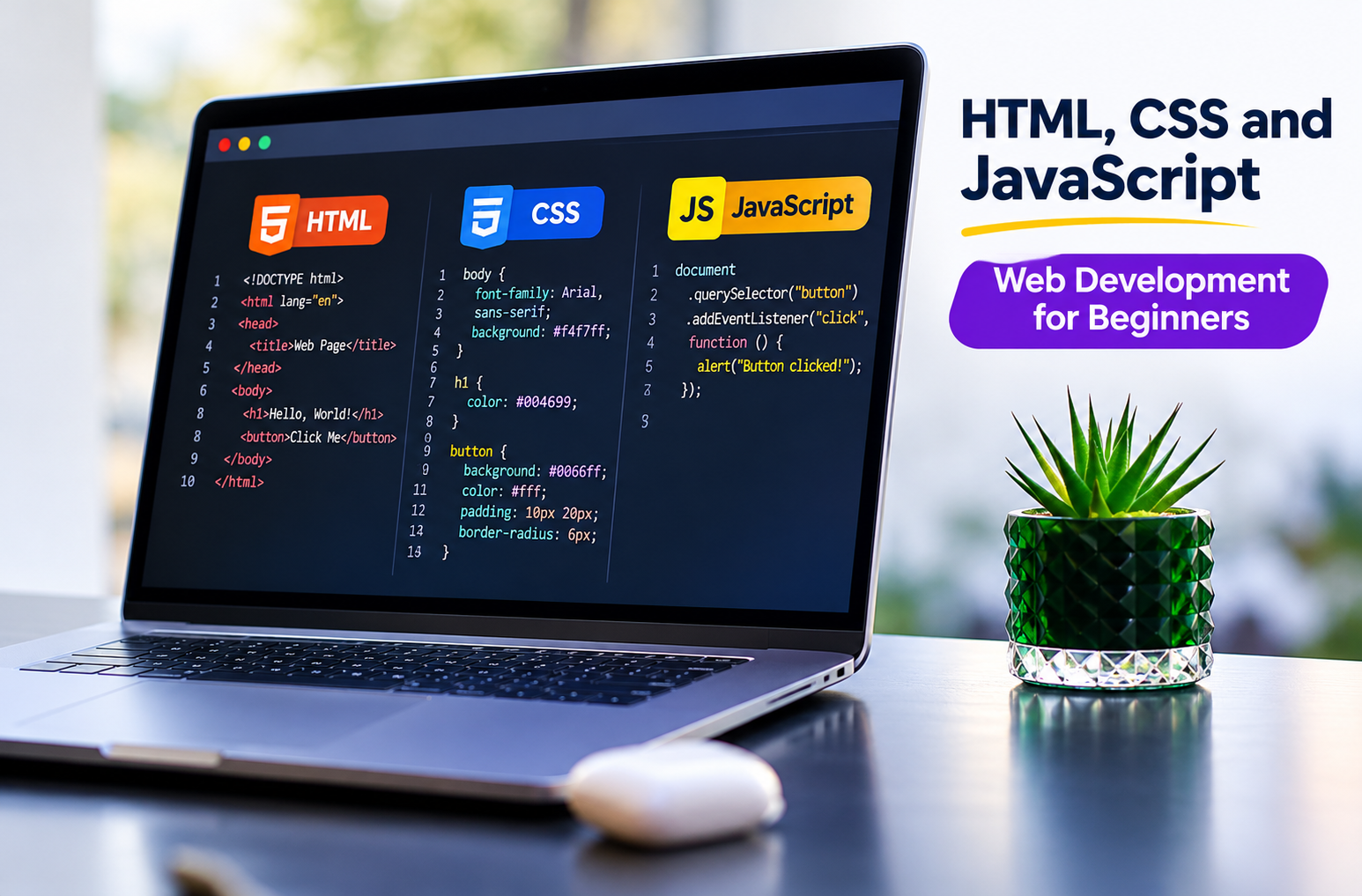
Although these technologies work together, each has a different purpose.
| Feature | HTML | CSS | JavaScript |
|---|---|---|---|
| Main purpose | Structure | Presentation | Behaviour |
| Technology type | Markup language | Style sheet language | Programming language |
| Common uses | Headings, text, links | Colours, layouts, fonts | Events, forms, dynamic content |
| Main responsibility | Organizes content | Controls appearance | Adds interactivity |
| Basic example | Heading element | Heading colour | Button click message |
Which Technology Is Most Important?
All three serve different purposes.
HTML provides the foundation, while CSS improves presentation. JavaScript then adds interactive functionality.
For basic static pages, HTML and CSS may be sufficient. However, interactive applications often require JavaScript.
How HTML, CSS and JavaScript Work Together
Let’s combine all three technologies to create a simple webpage.
This example includes a heading, a styled button and an interactive message.
Step 1: Create an HTML File
Open a code editor and create a file named index.html.
Then, paste the following code:
<!DOCTYPE html>
<html lang="en">
<head>
  <meta charset="UTF-8">
  <meta name="viewport" content="width=device-width, initial-scale=1.0">
  <title>My First Interactive Website</title>

  <style>
    body {
      font-family: Arial, sans-serif;
      background-color: #f4f7ff;
      text-align: center;
      padding: 50px 20px;
    }

    h1 {
      color: #004699;
    }

    button {
      background-color: #004699;
      color: white;
      border: none;
      border-radius: 6px;
      padding: 12px 24px;
      cursor: pointer;
    }
  </style>
</head>

<body>
  <h1>Welcome to My First Website</h1>

  <p>I'm learning HTML, CSS and JavaScript.</p>

  <button id="welcomeButton">
    Click Me
  </button>

  <p id="message"></p>

  <script>
    const button = document.getElementById("welcomeButton");

    button.addEventListener("click", function () {
      document.getElementById("message").textContent =
        "Great job! Your JavaScript is working.";
    });
  </script>
</body>
</html>
Step 2: Open the File in Your Browser
Save the file as index.html.
Next, open it using a web browser such as Chrome, Firefox or Edge.
You’ll see a heading, a paragraph and a button.
Step 3: Test the JavaScript Button
Click the button.
A new message will appear below it.
Congratulations! You’ve created a simple interactive webpage using HTML, CSS and JavaScript.
What Did You Learn from This Project?
You used HTML to create the content.
Next, you used CSS to change the design.
Finally, JavaScript added the button interaction.
This simple project demonstrates how the three technologies work together.
HTML CSS JavaScript for Beginners: Which Should You Learn First?
Many beginners wonder whether they should start with HTML, CSS or JavaScript.
The recommended starting order is HTML, followed by CSS and then JavaScript.
Step 1: Start with HTML
First, learn how to organize webpage content.
Focus on headings, paragraphs, links, images, lists and forms.
Afterward, practice building basic webpages without styling.
Step 2: Learn CSS Basics
Next, explore colors, fonts, spacing and the CSS box model.
Once you’re comfortable, practice Flex box, Grid and responsive design.
Step 3: Move to JavaScript
After learning HTML and CSS, begin with JavaScript fundamentals.
Focus on variables, data types, functions, conditions, loops and events.
Then, practice changing HTML content through JavaScript.
Step 4: Build Small Projects
Practical experience helps you understand how the technologies connect.
For example, start with a personal webpage or a simple calculator.
As your skills improve, experiment with more interactive projects.
For guided learning, explore the web development course at LOCAS Institute.
Best Beginner Projects Using HTML, CSS and JavaScript
Building projects is one of the most effective ways to practice web development.
Instead of memorizing code, create small applications that solve simple problems.
1. Personal Portfolio Website
Create a webpage introducing yourself and your skills.
Use HTML for the content and CSS for the design.
Later, add JavaScript interactions.
2. Responsive Landing Page
Build a landing page for a fictional business.
Focus on headings, images, buttons and responsive layouts.
3. Interactive To-Do List
Use HTML to create the input and task list.
Then, style the interface with CSS.
Finally, use JavaScript to add and remove tasks.
4. Simple Calculator
Create a calculator layout using HTML.
Use CSS to design the buttons and screen.
Afterward, write JavaScript functions to perform calculations.
5. Quiz Application
Create multiple-choice questions using HTML.
Next, style the quiz with CSS.
Then, use JavaScript to check answers and calculate scores.
These projects can help you develop practical skills for your coding portfolio.
Common Mistakes Beginners Make While Learning Web Development
Learning web development takes practice. However, avoiding common mistakes can make the process smoother.
1. Learning Everything at Once
Trying to master multiple technologies simultaneously can become confusing.
Instead, focus on one topic at a time.
2. Memorizing Code Without Understanding It
Memorizing syntax may help temporarily. However, understanding why the code works is more valuable.
Therefore, experiment with examples and observe the results.
3. Avoiding Practical Projects
Watching tutorials alone may not develop strong coding skills.
Instead, build small projects after learning each concept.
4. Ignoring Responsive Design
A webpage may look good on a desktop but fail on a smartphone.
Therefore, test your designs on different screen sizes.
5. Copying Code Without Testing
Copying examples can be helpful when learning.
However, you should understand the code and test your changes.
6. Skipping Basic Concepts
Advanced frameworks can seem exciting. However, strong HTML, CSS and JavaScript fundamentals are valuable before moving on.
Best Free Tools to Learn HTML, CSS and JavaScript
You don’t need expensive software to start coding.
Several free tools can help you write, test and understand code.
1. Visual Studio Code
Visual Studio Code is a popular code editor.
It supports HTML, CSS, JavaScript and many other languages.
2. MDN Web Docs
MDN Web Docs provides detailed tutorials and reference documentation.
It’s especially useful for learning web standards and understanding browser behaviour.
3. freeCodeCamp
freeCodeCamp offers interactive coding lessons.
It also provides practice projects for beginners.
4. Browser Developer Tools
Modern browsers include developer tools for inspecting and debugging webpages.
For instance, you can inspect HTML elements, test CSS styles and check JavaScript errors.
5. CodePen
CodePen allows you to experiment with HTML, CSS and JavaScript in your browser.
It’s useful for testing small ideas without setting up a full project.
Career Opportunities After Learning HTML, CSS and JavaScript
Learning these technologies can provide a foundation for several web-related career paths.
However, professional roles usually require additional skills, practical experience and portfolio projects.
Front-End Developer
Front-end developers create the visible and interactive parts of websites.
They commonly work with HTML, CSS, JavaScript and other tools.
Web Designer
Web designers focus on webpage layouts and visual presentation.
Understanding HTML and CSS can help them communicate and implement design ideas.
JavaScript Developer
JavaScript developers build interactive features and applications.
Depending on the role, they may also use frameworks and server-side technologies.
Full-Stack Developer
Full-stack developers work on both front-end and back-end systems.
HTML, CSS and JavaScript provide a useful starting point. However, back-end development, databases, APIs and additional tools are also important.
If you’re planning a career in this field, explore the website development courses at LOCAS to learn more about structured training options.
Frequently Asked Questions About HTML CSS JavaScript for Beginners
1. What Are HTML, CSS and JavaScript?
HTML, CSS and JavaScript are core web development technologies. HTML creates webpage structure, CSS controls presentation, and JavaScript adds interactive behaviour.
2. Is HTML CSS JavaScript for Beginners Difficult to Learn?
The fundamentals are approachable with regular practice. However, advanced concepts require time and effort. Starting with simple examples can make the learning process easier.
3. Should I Learn HTML or JavaScript First?
Beginners are generally advised to start with HTML. Next, learn CSS to style webpages. Then, move to JavaScript for interactive functionality.
4. Can I Learn HTML, CSS and JavaScript Without Coding Experience?
Yes. You can begin without prior programming experience. Start with basic concepts and practice through small projects.
5. How Long Does It Take to Learn HTML, CSS and JavaScript?
Learning time varies based on your background, practice routine and goals. Basic concepts may be learned relatively quickly, while professional proficiency takes more extensive practice.
6. Is HTML a Programming Language?
HTML is a markup language, not a general-purpose programming language. It is used to structure and describe web page content.
7. Is CSS a Programming Language?
CSS is a style sheet language. Its main purpose is to control the visual presentation and layout of web pages.
8. Can I Build a Website Using Only HTML and CSS?
Yes. HTML and CSS are sufficient for many static webpages. However, interactive features often require JavaScript or other technologies.
9. Is JavaScript Necessary for Web Development?
JavaScript is important for many modern front-end development roles. However, not every web page requires custom JavaScript.
10. What Can I Build After Learning HTML, CSS and JavaScript?
You can build portfolio websites, landing pages, calculators, quizzes, to-do lists and other interactive front-end projects.
Conclusion: Start Learning HTML, CSS and JavaScript Today
Understanding HTML CSS JavaScript for beginners is an important first step toward learning web development.
HTML provides webpage structure. CSS adds visual design. Meanwhile, JavaScript makes webpages interactive.
Although these technologies have different purposes, they work together to create modern websites.
To begin, focus on HTML fundamentals. Next, learn CSS styling and responsive layouts. Finally, explore JavaScript through practical projects.
Most importantly, keep practicing. Every small project gives you an opportunity to improve your coding skills.
Ready to begin your web development journey?
Explore the Web Development Course at LOCAS Institute and discover structured learning opportunities for aspiring developers.